Why "engaging" equals watch time
An engaging video is one that holds attention from the first second to the last; on social that is not a matter of taste but a ranking factor.
Making a listing video is easy. Making a listing video people actually watch to the end is a craft. And that craft is exactly what determines your reach: on every platform, watch time, how long people keep watching, decides whether your video gets pushed to more people for free.
On Instagram, TikTok and YouTube, watch time is the heaviest-weighted signal: content people keep watching gets distributed to far more people for free, while content they swipe away gets buried. Everything that makes your video "prettier" really serves one goal: giving the viewer no reason to drop off. That is the thread running through all the techniques below. For how that watch-time logic works per channel, read Reels vs. TikTok vs. Shorts vs. LinkedIn.
"Engaging" is not subjective but measurable: it is how well your video holds attention, and that directly determines your reach.
Technique 1: the hook in the first 3 seconds
A hook is the opening moment that holds the viewer in the first seconds; it has both a textual and a visual component.
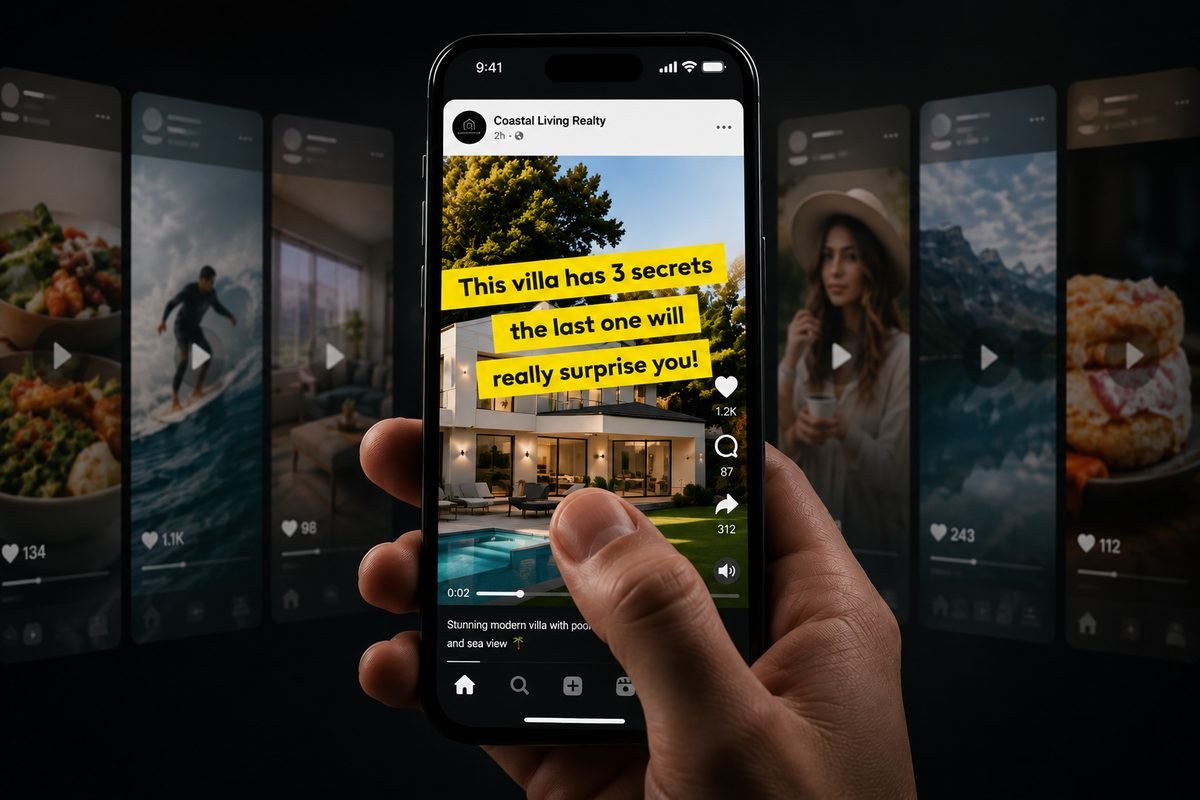
The textual hook is the line you put on screen or speak: a promise, a question or an intriguing detail. The visual hook is the first image: do not open with the facade, but with your most powerful shot, the light flooding the living space, the view from the terrace, the pool. Together, the two decide whether someone stays.
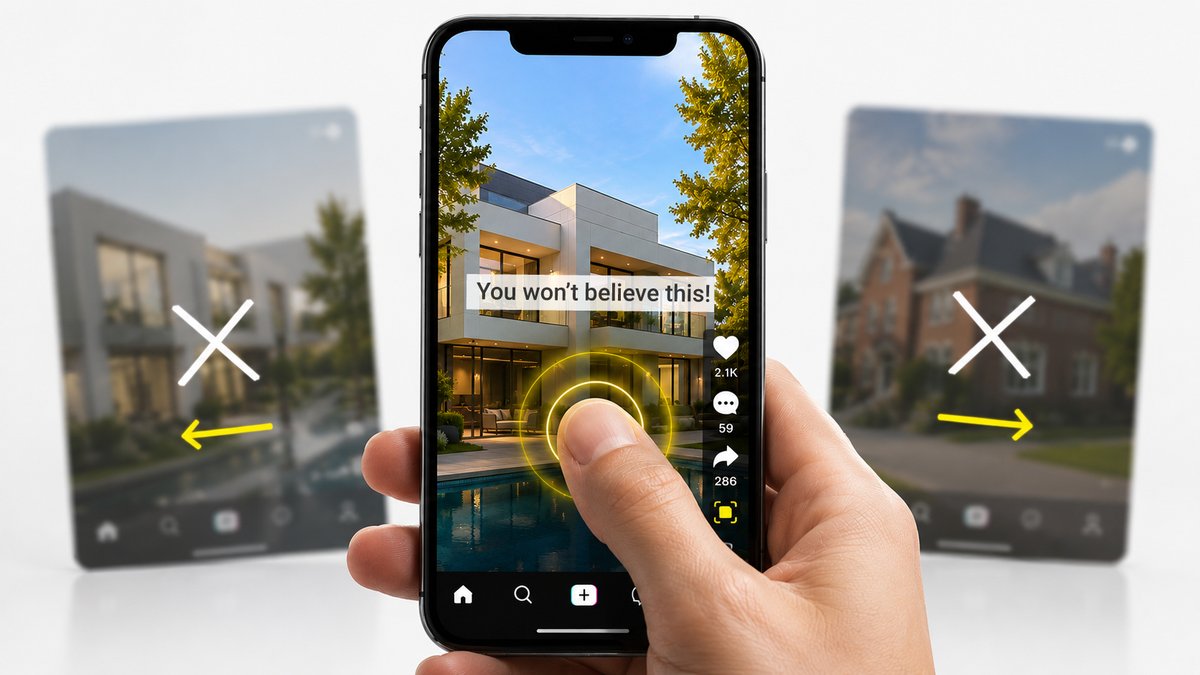
Example: instead of opening with a street view and "For sale: charming home", open with a slow push-in on a sun-drenched kitchen and the text "Wait until you see what's behind this door." Same property, completely different retention.
Combine a strong opening line with your best image in the first 3 seconds. Save the facade for later; open with what impresses.
20 example hooks to inspire you
Use these lines as your opening text (on screen or spoken). Adapt them to your property, and pair them with a powerful opening image.
Curiosity & mystery
Value & price
Question & recognition
Emotion & lifestyle
Urgency & proof
Alternate between curiosity, value, relatable questions, emotion and urgency. The best hook makes a promise and shows it right away.
Technique 2: B-roll and close-ups
B-roll is supplementary footage, often details and close-ups, that you cut between your main shots to create atmosphere and rhythm.
A string of wide room shots back to back gets dull fast. Details break that up: the light on a wooden floor, a running tap, the fireplace burning, a door handle, plants on the windowsill, steam rising from a cup of coffee. Those close-ups sell the feeling of living there, not just the floor plan. Alternating is the key: wide shot (the space), close-up (the detail), wide shot (the next space).
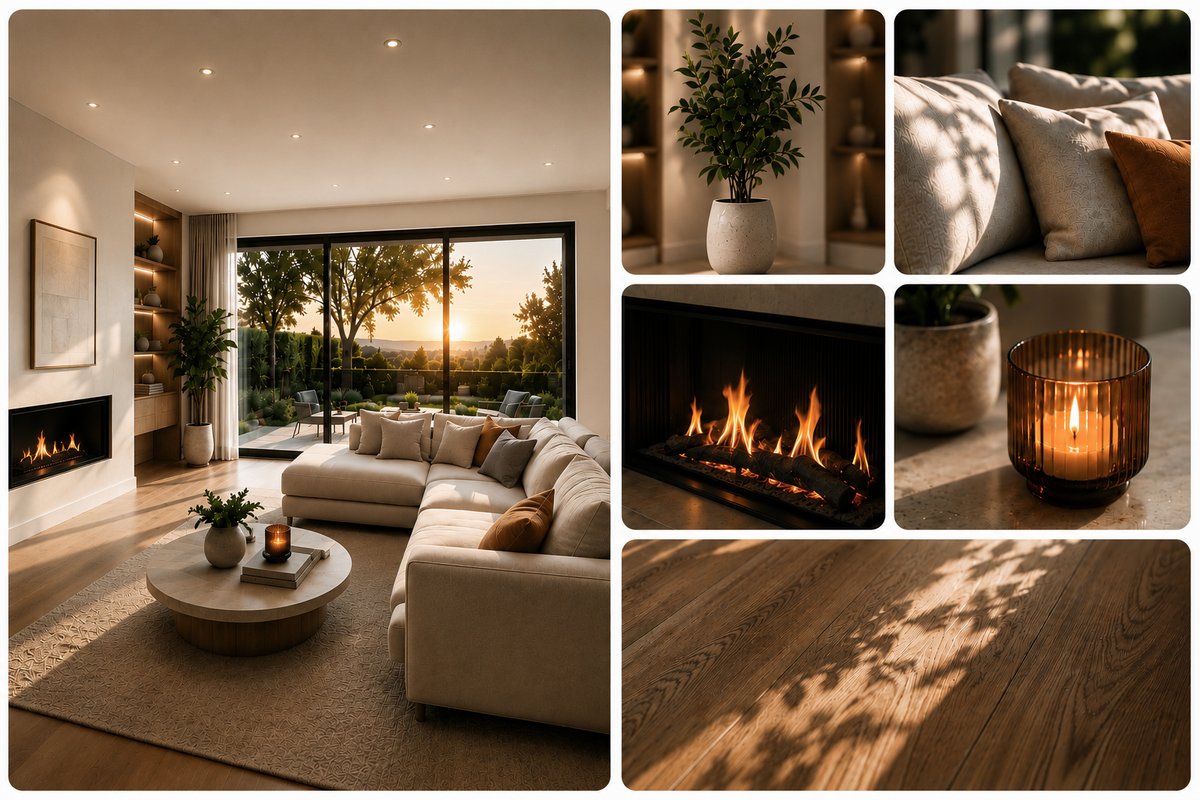
Example: after a wide shot of the bathroom, zoom in briefly on the rain shower and the finished taps, and only then move on to the bedroom. Those two seconds of detail make the bathroom memorable.
Alternate wide shots with close-ups of atmospheric details. B-roll sells the feeling of living there and keeps the rhythm alive.
Technique 3: structure and order
The structure is the order in which you show the rooms; a good order tells a story instead of a random walkthrough.
Think in an arc: start with your strongest asset (the hook), build up through the living spaces, and end on an emotional high point, the terrace at sunset, the view, the garden. Do not blindly follow the floor plan ("hallway, toilet, storage room"), but the experience a buyer would have. Weaker rooms briefly, stronger rooms a little longer. (Nanopixo's Smart Director does exactly this: it automatically orders your footage for maximum impact.)
Example: open on the roof terrace with a skyline view (hook), then move inside through the light-filled living space and kitchen, show bedrooms and bathroom at a brisk pace, and return at the end to the terrace in evening light as the closer. You start and finish strong.
Show rooms in a narrative arc: strongest asset first, emotional high point at the end. Experience beats floor plan.
Technique 4: pacing and rhythm
Pacing is the speed at which your shots follow one another; rhythm emerges when those cuts land on the music.
Cuts on the beat of the music feel professional and subconsciously hold attention. Match the pacing to the channel and the property: fast and energetic for TikTok and Reels, calmer and more measured for a cinematic tour of a luxury home. Avoid two extremes: shots that linger so long the video drags, and cuts so fast the viewer cannot read the room.
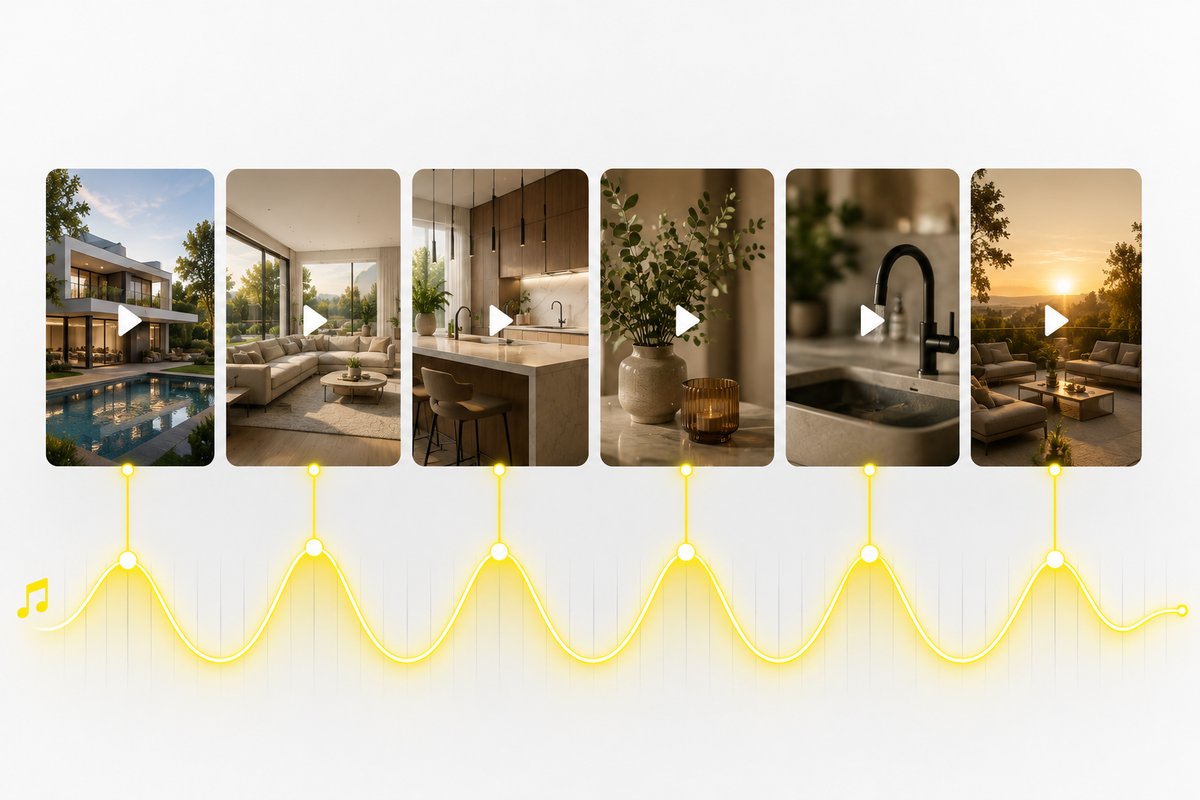
Example: on an uptempo track, cut every 1.5 to 2 seconds on the beat during the intro, then slow down to longer shots for the emotional finish. The rhythm guides the viewer.
Make your cuts land on the music and adapt the pacing to channel and property: fast for social, calmer for luxury.
Technique 5: camera movement
Camera movement is how the image moves (push-ins, pans, tilts) to pull the viewer's eye through the space.
Smooth, purposeful movement adds depth and life: a slow push-in towards a window with a view, a gentle pan across the living space. Movement with a purpose holds attention; aimless or jerky swinging pushes people away. One important pitfall with AI-generated movement: make sure the camera stays within the real space and does not "drift off" into areas that did not exist in the source image, which creates an unrealistic or misleading picture.
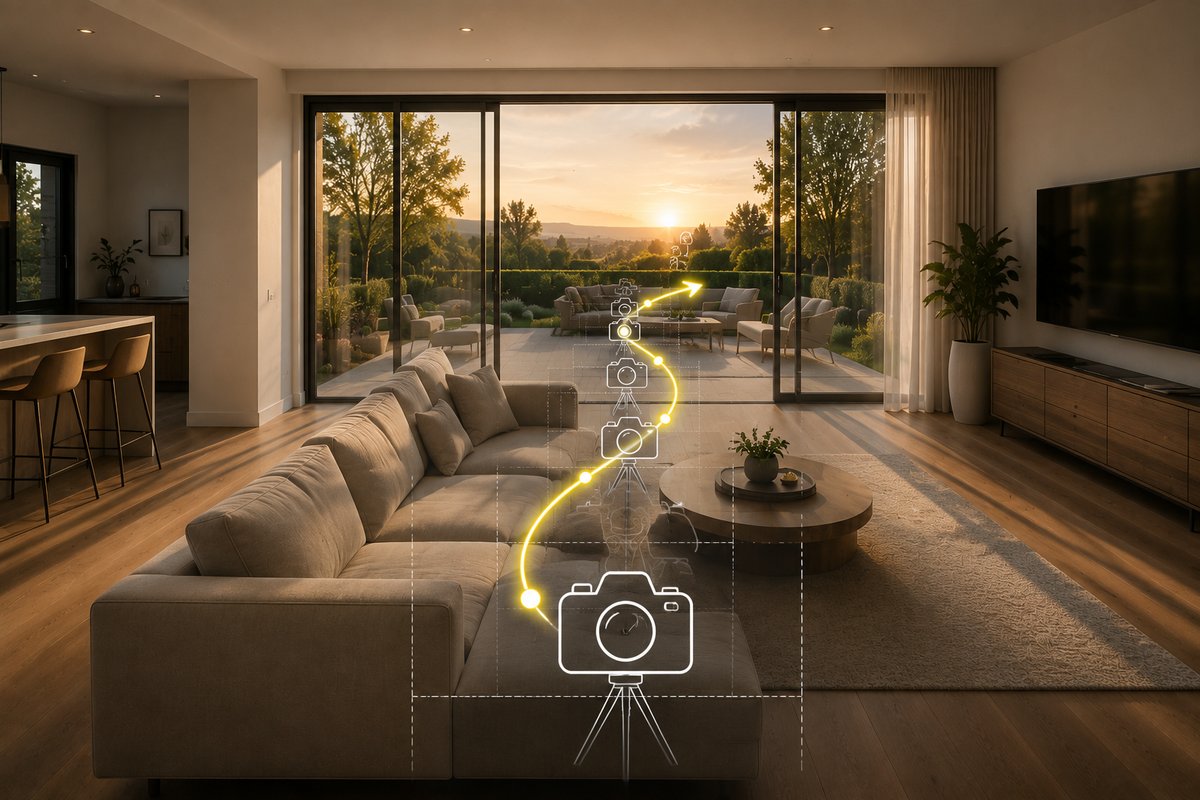
Example: a slow push-in through the French doors towards the terrace literally pulls the viewer outside, far stronger than a static shot of that same doorway.
Use smooth, purposeful camera movement that pulls the eye along, and keep the movement within the real space of the property.
Technique 6: text overlays and subtitles
Text overlays are words on screen (key figures, labels); subtitles are the timed display of the spoken words.
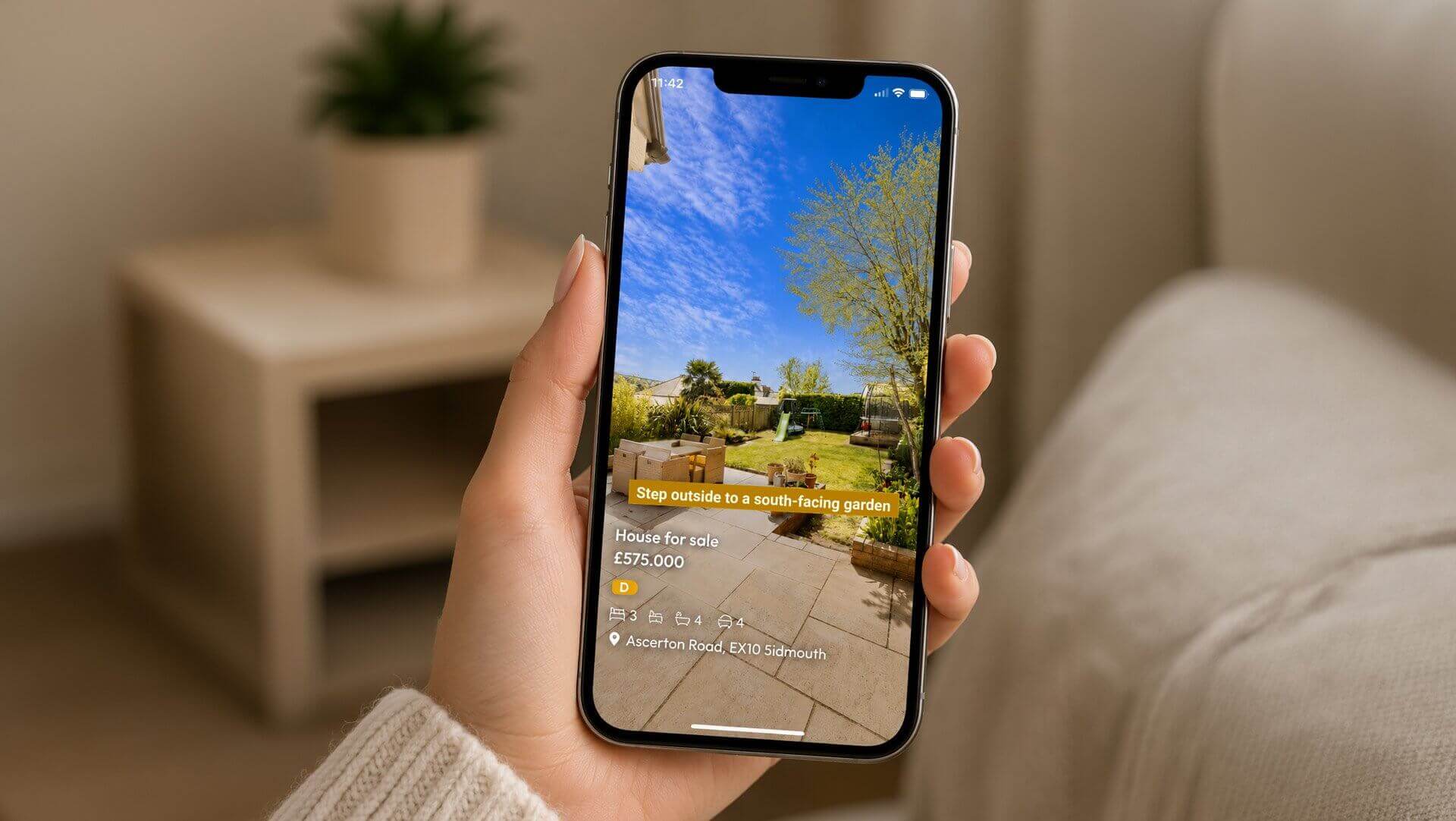
Many people watch without sound, especially in the feed. Without text, you lose them completely. So put key info on screen (price from, floor area, number of bedrooms, energy label) and add subtitles to every voice-over or spoken hook. Keep it calm: one or two text elements per shot, easy to read, not the whole side of the frame crammed full.
Example: as you move through the living space, "120 m2 · 3 bedrooms · EPC B" appears briefly at the bottom of the frame. The soundless viewer gets the essentials instantly.
Add key figures as an overlay and subtitle every voice-over. That way you also keep the large group of soundless viewers watching.
Technique 7: music and audio
Audio is the music and sound layer that sets the emotional tone of your video, often before the viewer consciously processes the images.
The right track sets the mood: warm and calm for a family home, sleek and modern for a loft, sweeping and cinematic for luxury. On social, it pays to tap into trending audio, because platforms often give that content extra exposure. Make sure music and pacing line up (see technique 4) and that the music does not drown out a voice-over.
Example: the same footage on a soft piano track feels intimate and warm; on a tight electronic beat it feels young and dynamic. Choose the emotion that fits your buyer.
Music sets the tone before the images even land. Choose audio that suits the property and audience, and tap into trending tracks on social.
Technique 8: vertical framing
Vertical framing means composing your image for the 9:16 format that fills the screen on Reels, TikTok and Shorts.
If you think in landscape and crop later, you lose half the composition. Frame vertically from the start: let vertical lines (doors, windows, high ceilings) work for you, and make sure important elements do not fall just outside or against the edge. Whatever fills the screen on mobile always beats a small landscape frame with bars above and below. And if your source footage is in landscape anyway? With vertical reframing, Nanopixo smartly recomposes landscape rooms for 9:16, without cropping or stretching.
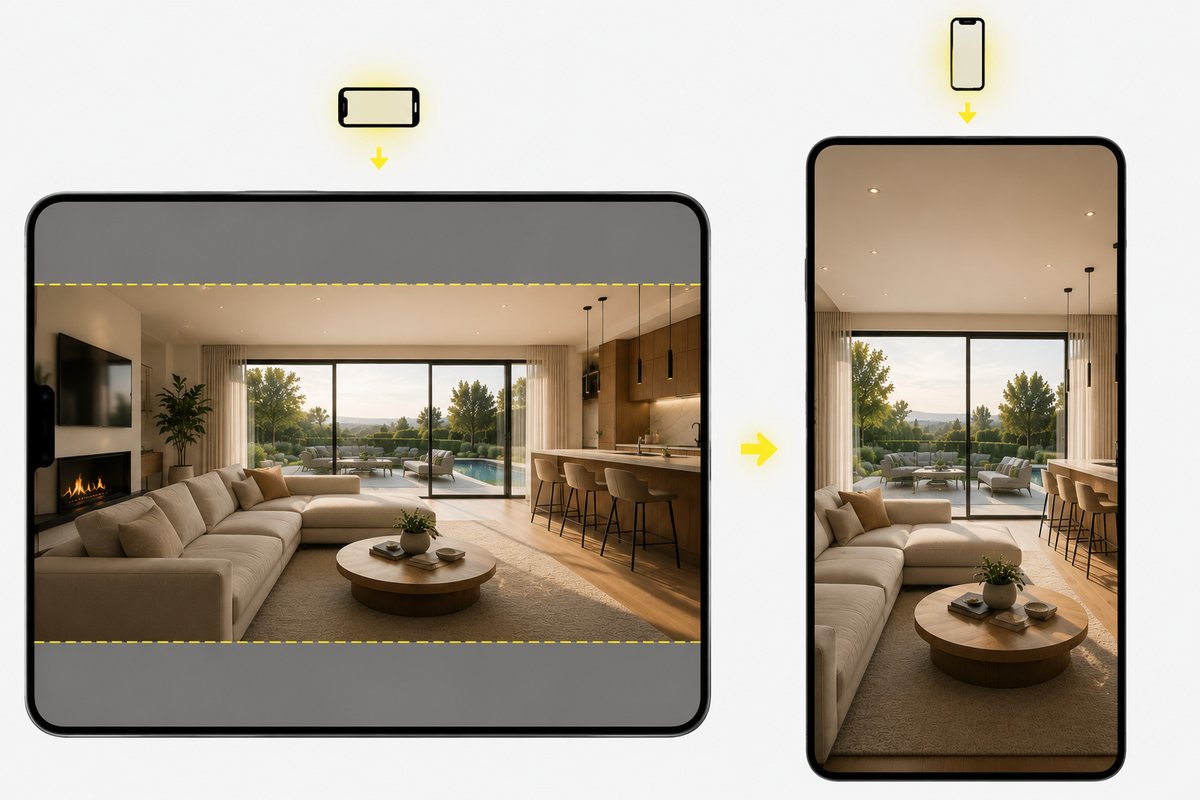
Example: a tall, light entrance hall looks far more imposing in vertical than in landscape, the format amplifies the sense of space.
Think and frame vertically (9:16) for social. Use vertical lines to your advantage and keep important elements away from the edges.
Technique 9: a strong closer and CTA
The closer is the final image of your video; the CTA (call-to-action) is the concrete next step you give the viewer.
Do not let your video just stop. End on a strong image (the evening light on the terrace) and a clear call: "Book your viewing", "DM me for the price", "Link in bio". Add a short end-card with your name, logo and contact details, so whoever makes it to the end knows exactly what to do, and who you are.
Example: close with a calm shot of the facade at sunset, your logo, and "Want to book a viewing? Send me a message." The emotion has been built up; now you give the viewer a path to action.
Close on a strong image with a concrete CTA and an end-card with your brand. Whoever watches to the end is your warmest lead.
Faster with AI
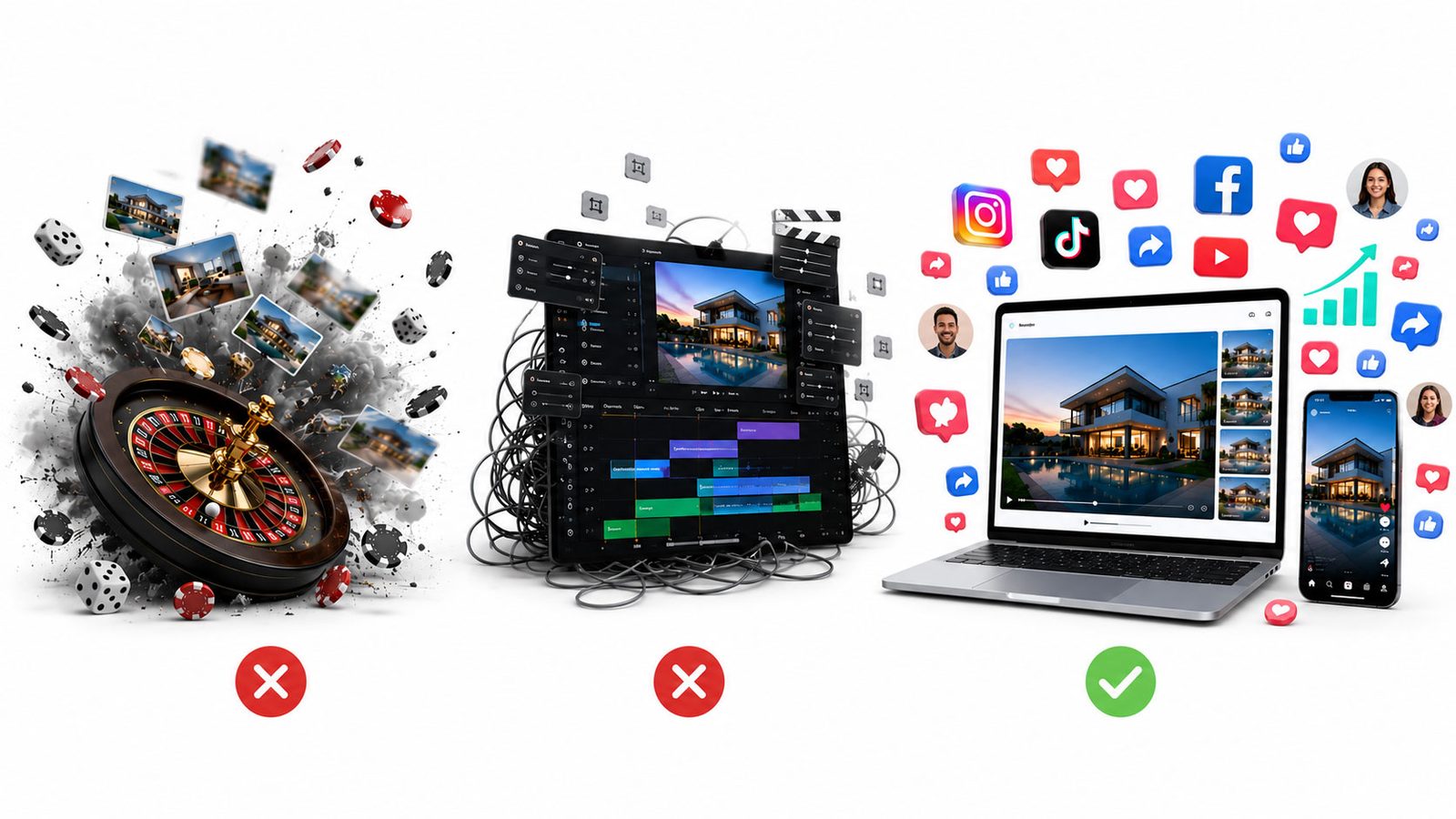
Mastering all these techniques is one thing; applying them consistently to every listing is another. That is the real barrier: time and editing skill.
Nanopixo takes that work off your hands by baking the key watch-time elements in by default: a strong opening, smooth camera movement that stays within the property, cuts on the beat, automatic subtitles and a vertical frame, straight from your listing photos or listing URL. You do not need to be an editor to look professional; how it goes from photo to finished clip, you can read in From photo to published reel.
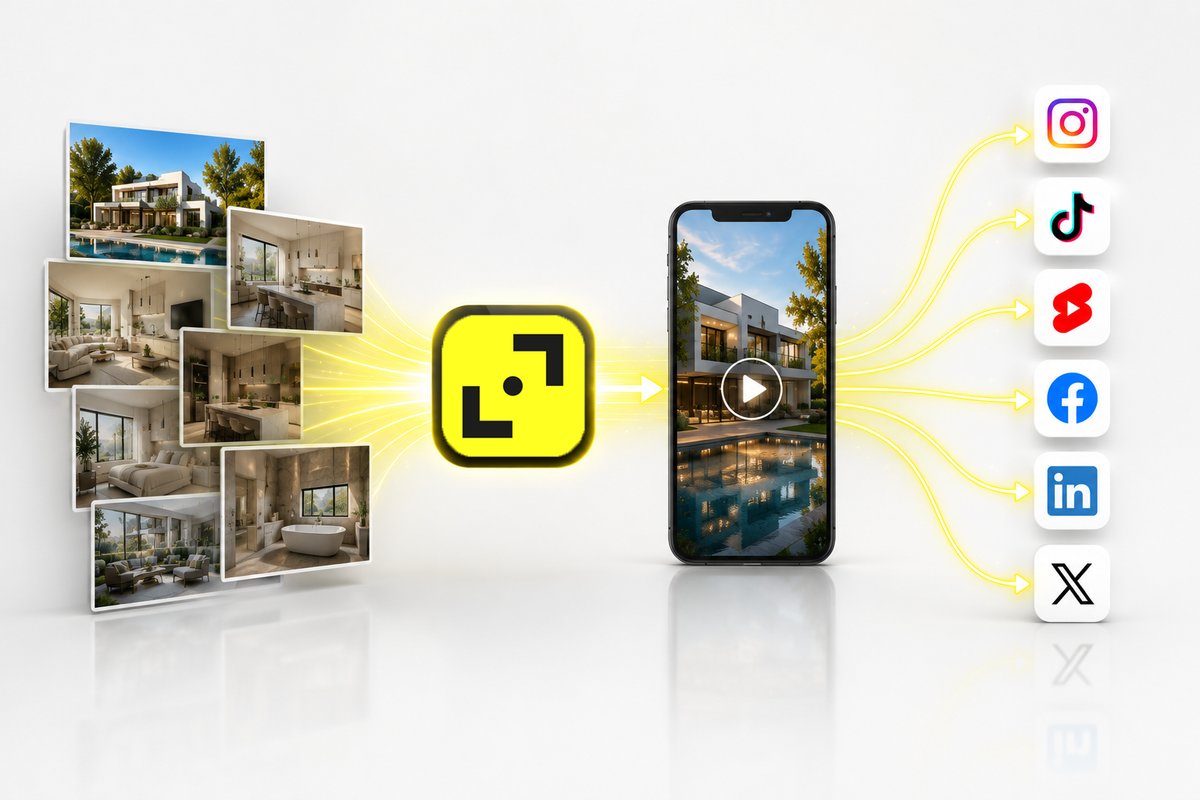
The techniques work, but applying them consistently takes time and skill. AI bakes the watch-time elements in by default, so every listing looks polished.
Conclusion
An engaging listing video is not a matter of luck but of technique: a strong hook, atmospheric B-roll, a narrative structure, rhythm on the music, purposeful movement, readable text, the right audio, a vertical frame and a clear closer.
Every element serves the same goal: keeping the viewer watching, because watch time is your reach.
Want to apply those techniques without becoming an editor? Nanopixo bakes the watch-time elements in by default and publishes your video straight to your channels. Check the pricing and make your first video.