
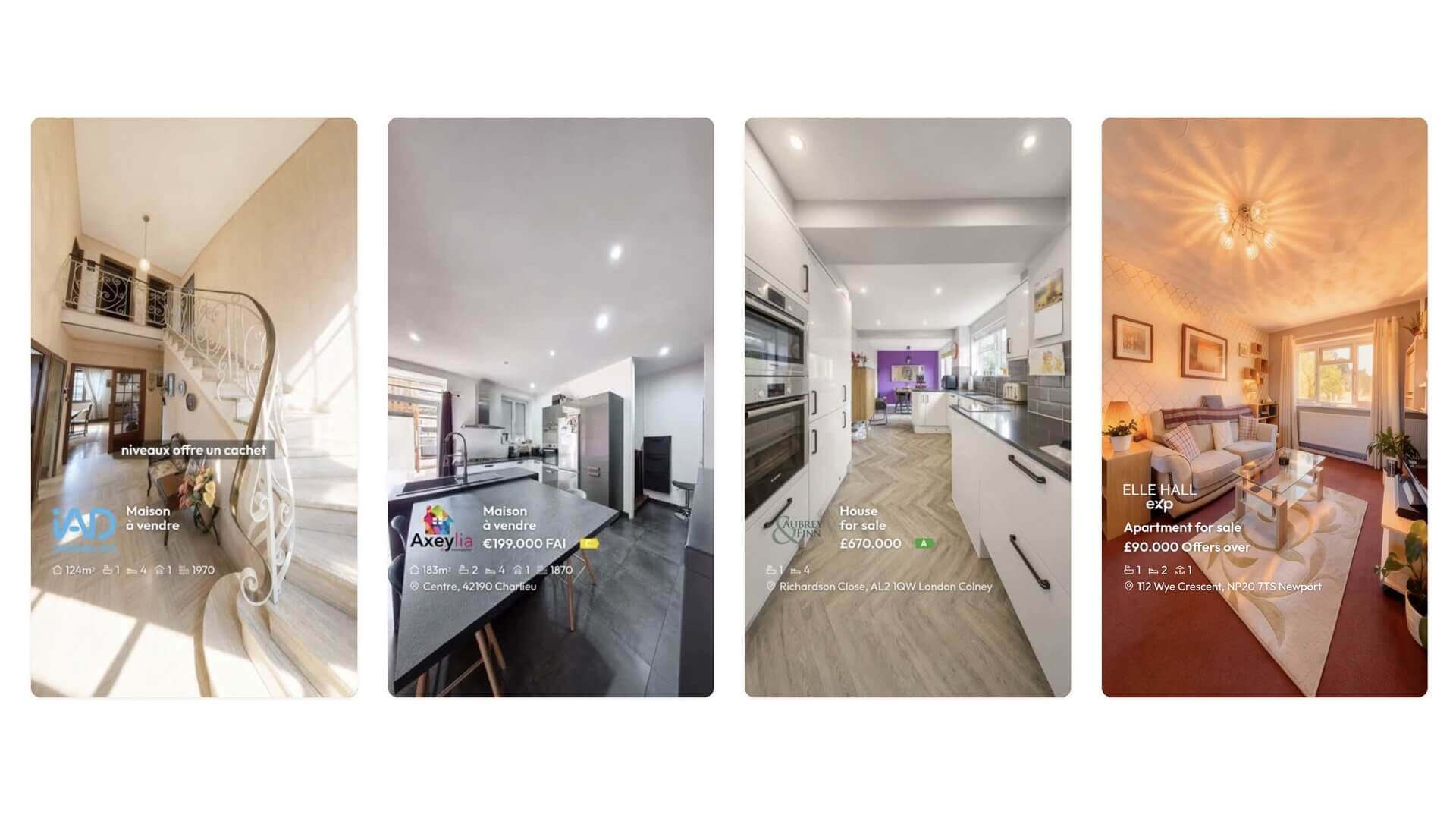
A muted viewer wants the essentials fast: what does it cost, where is it, how big, how many bedrooms. If those aren’t on the screen, they either click away to find out or simply keep scrolling. But swing the other way and cram every field onto the video, and it stops looking like marketing and starts looking like a spec sheet. The skill is showing the right facts, cleanly.
Nanopixo puts your listing details on screen as a tidy overlay, and lets you choose exactly which ones appear. The full set is there to draw from, price (or “price on request,” or a “from” price), property type, location, living area, bedrooms, bathrooms, garage, terrace, garden, build year, energy label and consumption, and every single field is optional.
That optionality is the point. Lead with the headline numbers and leave the detail for the listing page; or, where your market requires it, put the energy label and consumption right on the video. You decide per listing what shows and what stays off, so the overlay always fits the property and the rules you work under.
The result is that the facts which actually sell, or that you’re legally obliged to display, sit cleanly on a muted screen, not buried in a caption nobody expands. And your edits save automatically as you go, so adjusting the overlay never costs you a thing.